
Every few months, most of us end up needing to shrink a photo, turn a Word doc into a PDF, or squeeze a video down so it'll actually attach to an email. And every time, the instinct is the same: open a random converter site, drag the file in, wait for a progress bar, and hope whoever runs that server doesn't keep a copy of your scanned ID or your kid's birthday video. Orbfile is built around the idea that this handoff shouldn't have to happen at all.
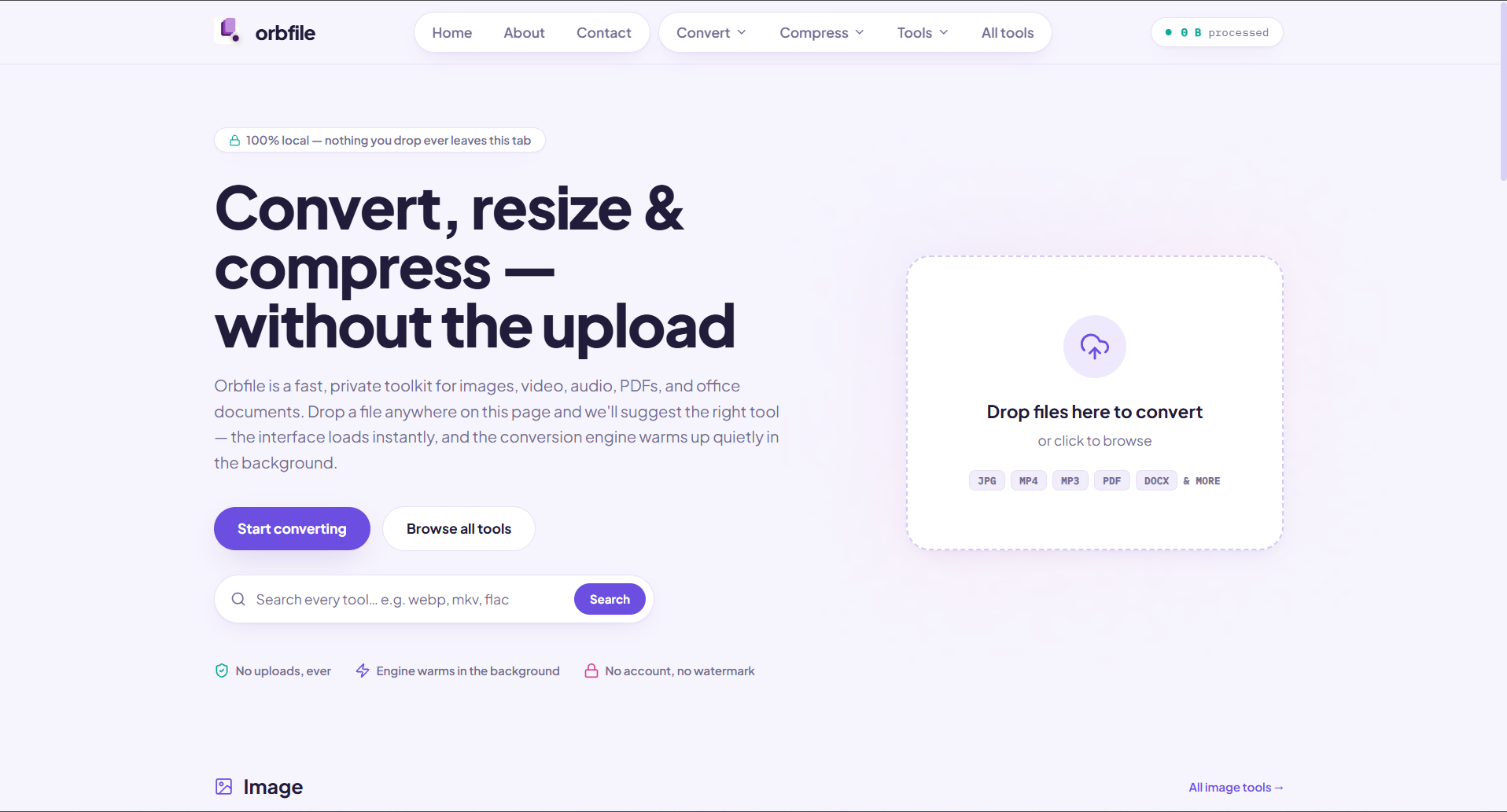 Orbfile's homepage puts the local processing promise front and center: files are converted in the browser rather than uploaded to a server.
The quick version
| | | |---|---| | What it is | A free, browser-based toolkit for converting, resizing, and compressing images, video, audio, PDFs, and office files | | Where files go | Nowhere — processing happens on your device, inside the browser tab | | Cost | Free, no account required | | File types covered | JPG, PNG, WEBP, MP4, WEBM, MOV, MP3, WAV, FLAC, AAC, OGG, PDF, DOCX, XLSX, and more | | Underlying tech | WebAssembly, ImageMagick, Mediabunny, the browser's built-in WebCodecs API |
The problem it's trying to fix
Most online converters follow the same basic pattern: you upload your file to somebody else's server, something happens to it out of view, and a download link shows up a minute later. For a throwaway test image, that's harmless enough. For a contract, a voice memo, or a family photo, it's a bit more unsettling — you're trusting a service you've probably never heard of with a file you'd rather not hand over at all.
Orbfile's pitch is that the upload step is simply unnecessary. Every tool on the site runs locally, using the WebAssembly runtime already built into modern browsers — the same underlying technology that lets streaming video and browser-based games run close to native speed. Once the page loads, the file never has to leave the device it's sitting on.
How the conversion actually happens
 WebAssembly — the browser technology that runs Orbfile's image, video, and audio tools locally on your device. Credit: WebAssembly Community Group, via Wikimedia Commons.
Rather than reinventing codecs from scratch, Orbfile leans on what's already sitting inside the browser. For video and audio, it uses a library called Mediabunny to tap into the WebCodecs API — the same interface that powers native video playback — so it can remux and re-encode media using the browser's own decoders. If a browser happens to be missing a codec for a particular format, Orbfile quietly fetches a small open-source polyfill just for that one case rather than shipping a bloated, always-on package.
Images are handled a little differently: simple resizing and format-swapping run on the Canvas API built into every browser, while trickier image formats get routed through ImageMagick compiled to WebAssembly. PDFs are handled by pdf.js and pdf-lib, both also running as WebAssembly modules. The common thread is that none of this depends on a remote server doing the heavy lifting — your own device's CPU does the work, and the "server" you're technically visiting is really just serving static code.
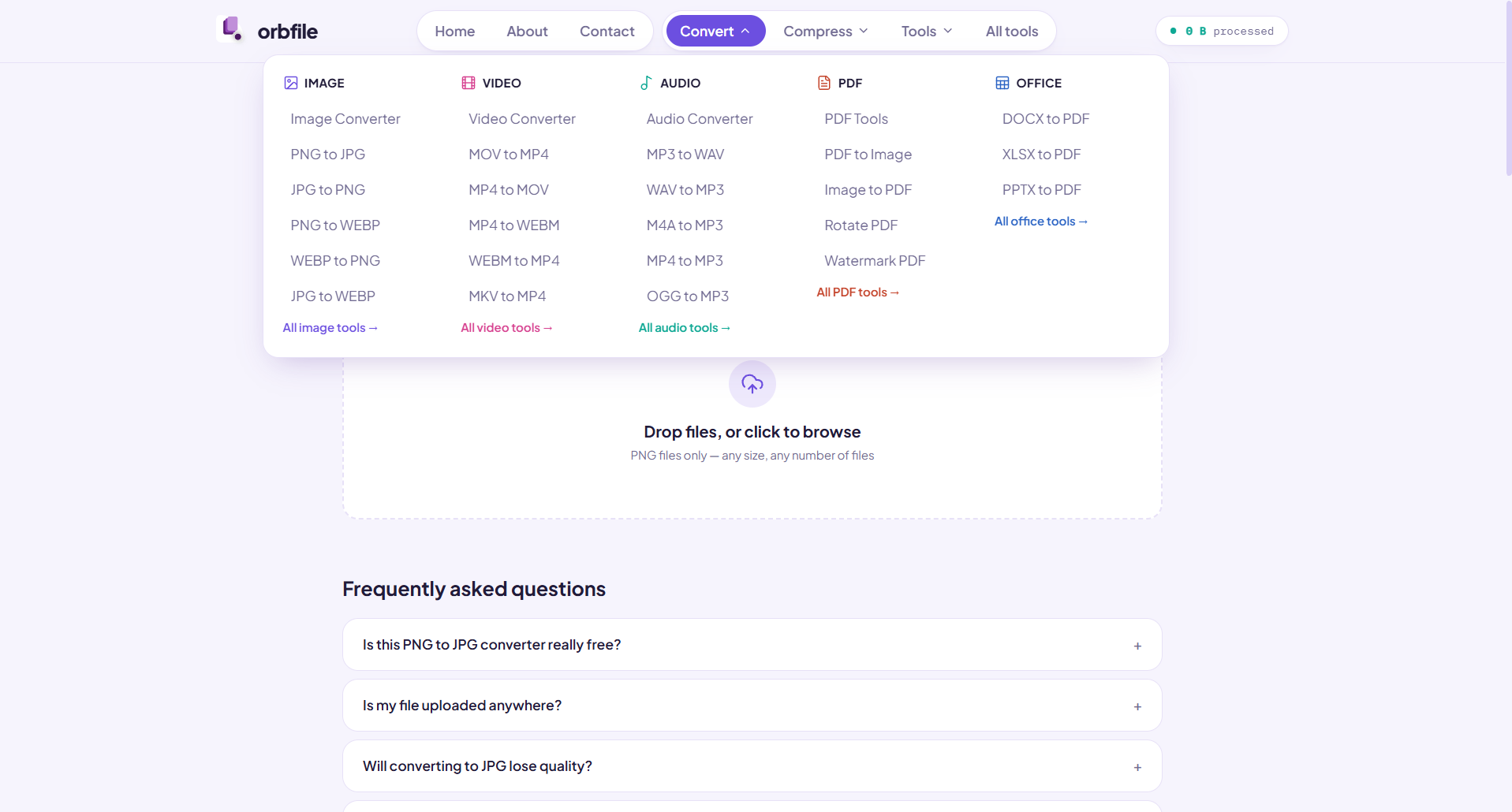 The conversion menu groups the available tools by file type, from image and video conversion to PDF and office workflows.
What you can actually do with it
The toolkit is organized into five categories, and each one covers the conversions people run into most often:
- Image — convert between PNG, JPG, and WEBP; resize with a live preview using fit, cover, or stretch modes; compress with a quality slider
- Video — convert between MP4, WEBM, and MOV; compress using quality tiers and resolution presets; a GIF maker that trims a clip and exports it as an animated GIF
- Audio — convert between MP3, WAV, OGG, FLAC, and AAC, including extracting audio from a video file; compress with bitrate control to hit a target file size
- PDF — merge multiple PDFs in any order, split every page apart or pull a specific range, and compress file size
- Office — convert Word documents to PDF and Excel workbooks to PDF
There's also a small grab-bag of extras under "more tools" — a favicon generator, a QR code generator, and a password generator — that round out the kind of one-off utilities people usually search for individually.
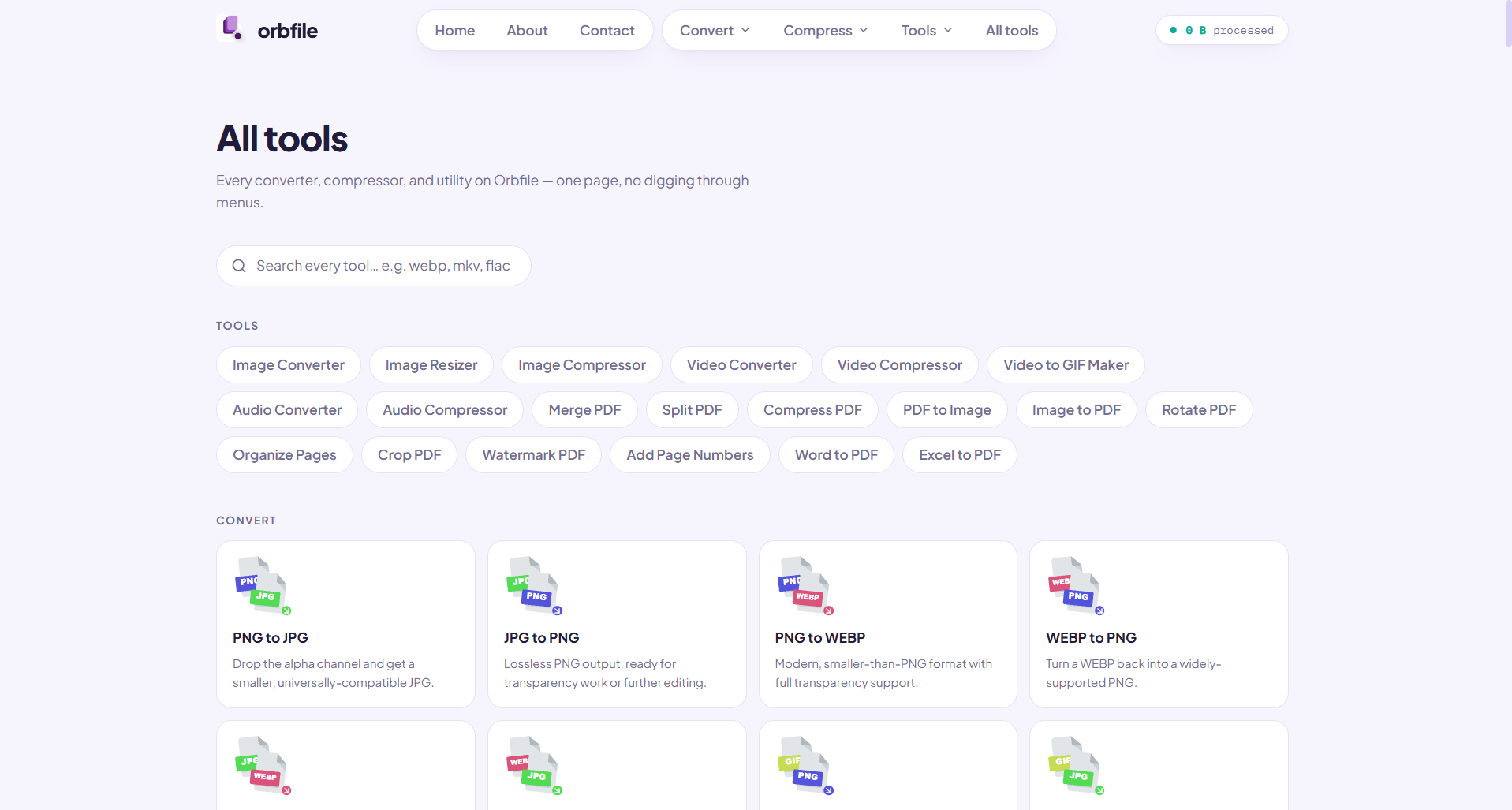 The all-tools view collects Orbfile's converters, compressors, and utilities in one searchable catalog.
Why this matters beyond convenience
The bigger story here isn't really about file conversion — it's about where the processing happens. A growing number of web tools are shifting work that used to require a server onto the device already in front of the person using it, largely because browsers have gotten capable enough to handle it. That shift has a couple of practical side effects: there's no queue to wait behind if a service gets popular, since your own hardware sets the pace rather than a shared server; and once the page and its WebAssembly engine have loaded, several of the tools keep working even without an internet connection.
It also sidesteps a genuinely awkward trust problem. A converter that never receives your file has nothing to log, store, or accidentally leak — not because of a strict privacy policy, but because there's no upload for anything to go wrong with in the first place.
The trade-off worth knowing
Running everything locally does mean performance depends on the device doing the work — a large 4K video will take longer to compress on an older laptop than it would on a beefy desktop, since there's no powerful remote server absorbing that load instead. It's a reasonable trade for not handing files over to a stranger's infrastructure, but it's worth setting expectations accordingly for bigger files.
Orbfile joins a small but growing category of "local-first" web tools that are betting people will choose privacy and no-signup convenience over the marginal speed of server-side processing — and that browsers themselves have become powerful enough to make that bet workable.
Sources: Orbfile, Orbfile — About